Your tattoo.
One screen.
Your designs, their layers and size controls beside a real 3D arm, on your laptop or your phone.
¿Ver Tryink en español? Cambiar a español
Ver o Tryink em português? Mudar para português
Открыть Tryink на русском? Перейти на русский
Tryink auf Deutsch ansehen? Zu Deutsch wechseln
Voir Tryink en français ? Passer au français
Відкрити Tryink українською? Перейти на українську
Zobaczyć Tryink po polsku? Przełącz na polski
Vuoi vedere Tryink in italiano? Passa all’italiano
Tryink’i Türkçe görmek ister misin? Türkçeye geç
Tattoo designs by AI, in seconds. Sign up and get 4 free credits. Try the generator
A free 3D tattoo simulator. Try on any design, see it wrap around the arm, or make one with the AI tattoo generator.
Demo of the Tryink studio: a snake design from the library is placed on a 3D forearm, moved, scaled and rotated with the gizmo; a calligraphy design on white paper goes on the upper arm without its background; the arm turns in 3D with both tattoos on the skin, and the project's share link is copied for the tattoo artist.
Demo of the Tryink studio on a phone: a snake design from the library is placed on a 3D forearm, moved, scaled and rotated with the gizmo; the arm turns in 3D with the tattoo on the skin, and the project's share link is copied for the tattoo artist.
Your designs, their layers and size controls beside a real 3D arm, on your laptop or your phone.
Upload any PNG or JPG. The background is removed automatically, so just the lines sit on the skin.
Pick a style, write your idea and get designs in under 30 seconds. AI designs use credits.
Drag the 3D gizmo to move, rotate and scale the design until it sits exactly where you want it.
Spin the arm all the way round and see how the design wraps the skin from every side.
Reorder, hide or lock each layer, and take back any change with undo.
Share a view-only link with the exact size and placement, so you agree before the appointment.
Step 1
Pick a sample, upload your own PNG or JPG, or describe it and let the AI draw it.
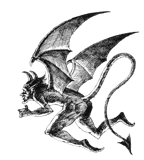
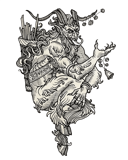

 Try a sample, or sign in to upload your own designs.
Step 2
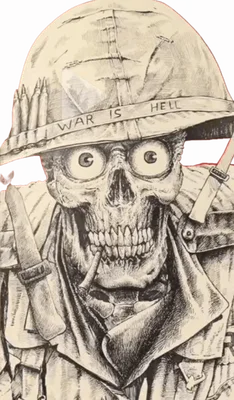
Drag it into place, then fine-tune its size and rotation. Orbit the arm to check every angle.
Step 3
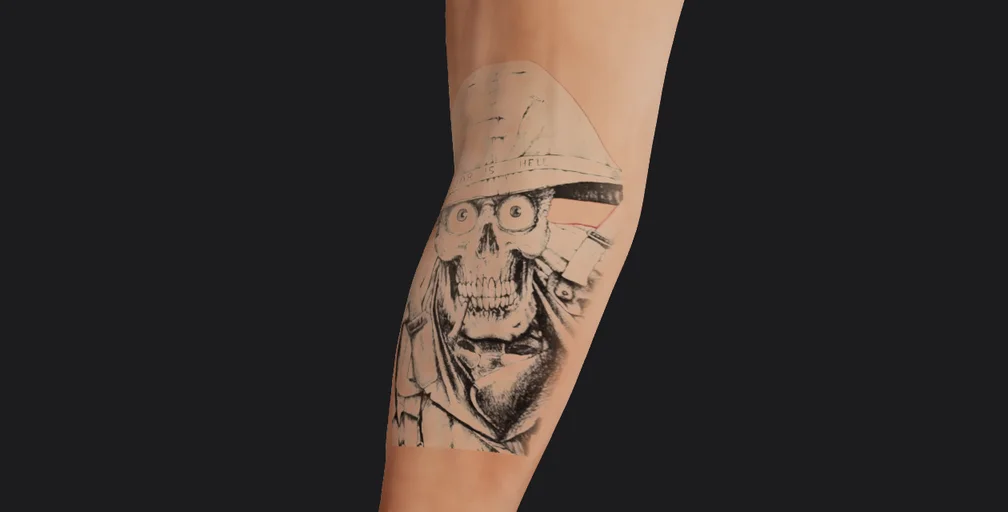
Publish your project and send the view‑only link. Your artist opens it in 3D, no account needed.
 Skull forearmMade with TryinkSkull forearmMade with Tryink
Trying tattoos in 3D is free. AI designs use credits.
€0
forever
Credits
4 to start
AI designs a day
Up to 10
Credits expire
Never
Also includes
3D try-on and sharing
from€4.99
one-off
Credits
20, 60 or 150 per pack
AI designs a day
Up to 40
Credits expire
Never
Also includes
—
€9.99
per month
Credits
100 every month
AI designs a day
Up to 40
Credits expire
Every month
Also includes
Cancel anytime
from€149
per month
Credits
600 a month, shared
AI designs a day
—
Credits expire
—
Also includes
3 seats, branded links, flash templates
Prices include VAT. Studio is quoted before VAT.
Everything worth knowing before you place your first design.
Previewing designs in 3D is free — no credit card and no trial that expires, and you can start without an account. AI-generated designs use credits: you get 4 free when you sign in, and you can buy a pack if you want more.
No. Open the studio and start placing designs instantly. Signing in (with Google) adds saving and sharing your projects, and AI-generated designs (with free credits to start).
Yes. Uploads are tied to your account and are not shared or shown to anyone else. A design only becomes viewable when you choose to create a share link.
It runs in any modern browser, phone included. For fine placement and orbiting the body a larger screen feels best — but you can preview anywhere.
Absolutely. Upload any PNG or JPG and the background is removed automatically so the ink reads on the skin instead of sitting in a white box.
Generate a view-only link. Your artist opens it and sees the exact size, angle and placement from every side — so you both agree before the appointment.
About Tryink
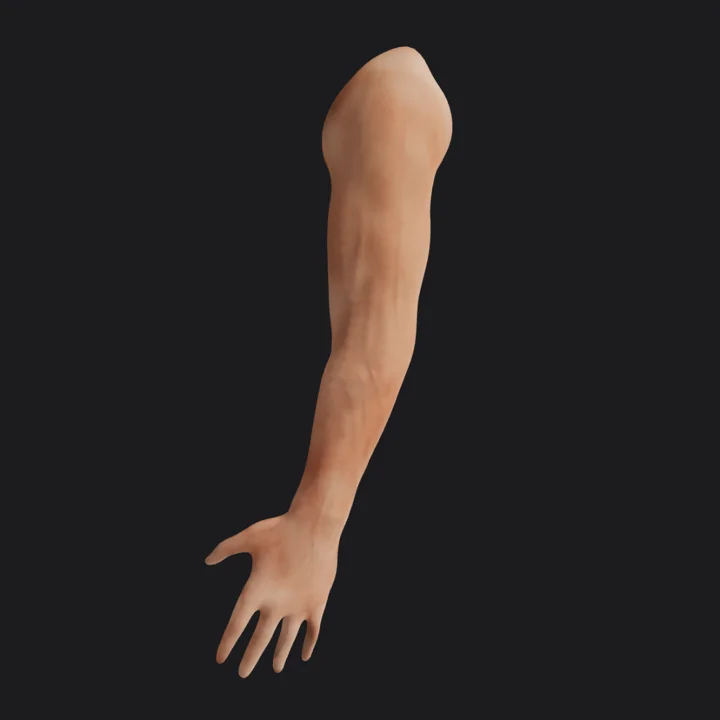
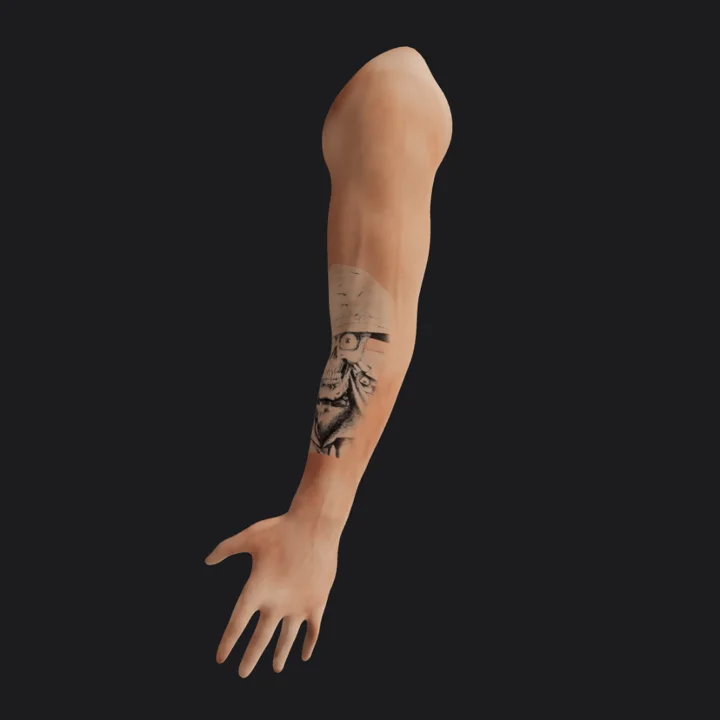
A tattoo is permanent and pricey, but most people decide almost blind. Flat mockups slap a PNG over a photo and ignore how skin actually curves. Tryink wraps your design on a realistic 3D body — with real light and volume — so you and your artist agree on size and placement before the needle.
Open the studioPick a design, place it on a 3D body and see it from every side. Free, right in your browser.
Free · no account needed